
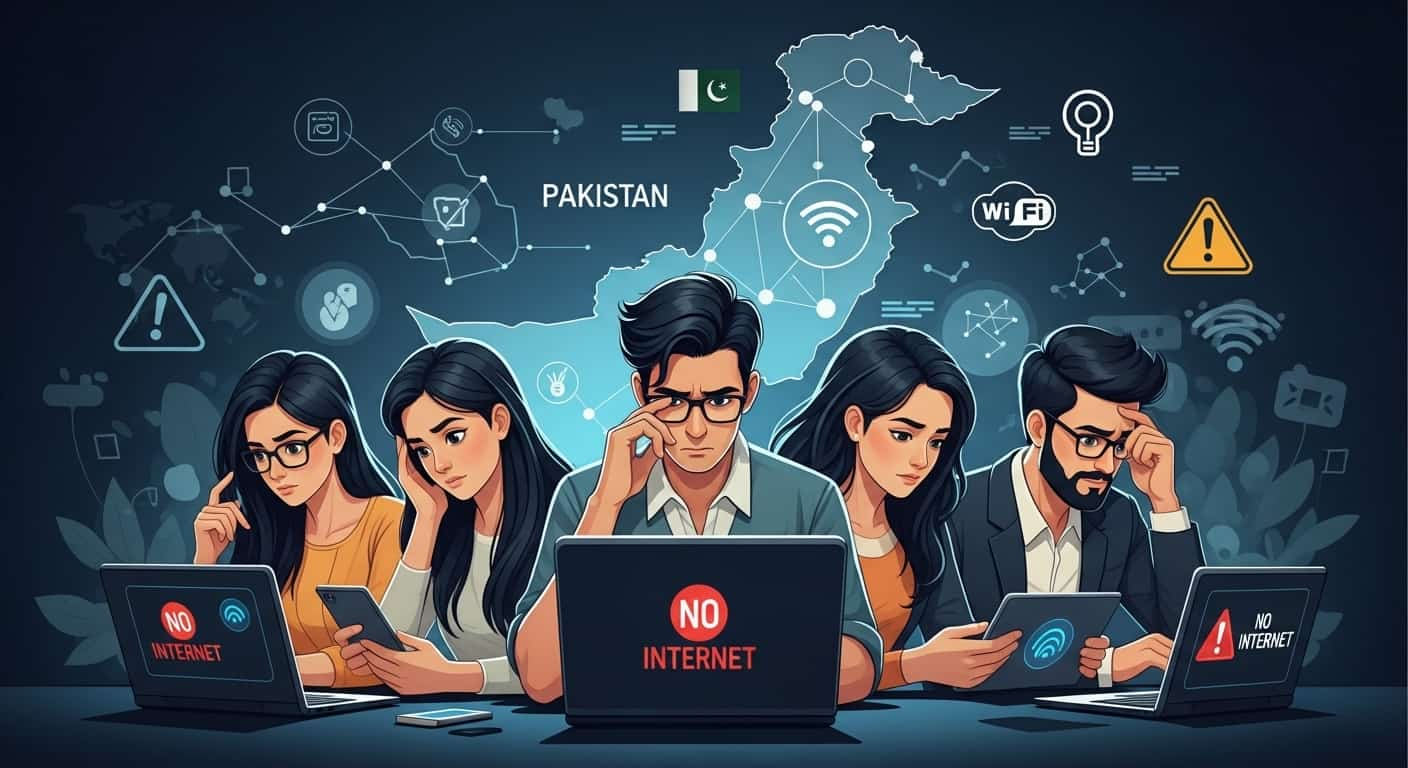
If you are currently facing connectivity issues in Pakistan, you are likely part of a recurring pattern of digital disruptions that have affected the country for years. In Pakistan, “the internet is down” is rarely the result of a single event; instead, it is usually a combination of infrastructure fragility, technical glitches, and regulatory management.
Here is an authoritative breakdown of the four primary reasons why the internet stops working in Pakistan.
1. International Submarine Cable Faults
Pakistan’s connection to the global web is surprisingly fragile. The country relies on a limited number of undersea fiber-optic cables (such as SMW4, AAE-1, and TWA-1) that run through the Arabian Sea.+1
- Physical Damage: These cables can be severed by ship anchors, underwater landslides, or even deep-sea tremors. When a single major cable like SMW4 develops a “shunt fault,” nearly 50% of the country’s bandwidth can vanish instantly.
- The Repair Lag: Because these cables are underwater, specialized ships are required for repairs. Depending on the weather and the location of the fault (often near the coast of Egypt or the UAE), restoration can take anywhere from a few days to several weeks.
2. Upstream Provider & Backbone Failures
The vast majority of internet traffic in Pakistan flows through PTCL (Pakistan Telecommunication Company Limited).
- The “Single Point of Failure”: Even if you use a different ISP like Nayatel, StormFiber, or Optix, your provider likely relies on PTCL’s “upstream” infrastructure to connect to the rest of the world.
- Backbone Faults: Technical glitches in PTCL’s core data centers or physical fiber cuts during road construction projects can trigger a “cascade effect,” causing a nationwide slowdown even if the undersea cables are perfectly healthy.
3. Traffic Management & Web Monitoring Systems (Firewalls)
In recent years, the implementation of sophisticated Web Management Systems (WMS) has become a major factor in internet stability.
- Content Filtering: These systems are designed to monitor and block “unlawful content.” However, the process of “Deep Packet Inspection” (DPI) can create a massive bottleneck.
- Throttling vs. Blocking: During times of political sensitivity or national security concerns, authorities may “throttle” (intentionally slow down) specific platforms like YouTube, X (Twitter), or WhatsApp. This often results in media files (images and voice notes) failing to send while basic text remains functional.
4. Local Infrastructure & Power Instability
Sometimes, the issue is much closer to home. Pakistan’s local network infrastructure faces unique environmental challenges:
- Load Shedding: While major exchanges have battery backups, prolonged power outages can exhaust these systems, causing local towers or “cabinets” to go offline.
- Copper vs. Fiber: Many older neighborhoods still rely on copper wiring, which is highly susceptible to rain damage and signal interference compared to modern Fiber-to-the-Home (FTTH) technology.
How to Diagnose Your Connection Today
If you are struggling to connect, follow this checklist to identify the source of the problem:
- Check for “Media Throttling”: If Google works but WhatsApp images won’t send, the issue is likely a regulatory block or WMS glitch. Try using a verified VPN to see if speeds improve.
- Verify Upstream Status: Check the official social media handles of PTCL or PTA (Pakistan Telecommunication Authority). They usually report major fiber cuts within 2–4 hours of the event.
- Test Upload vs. Download: Use a tool like
Speedtest.net. If your download is fine but upload is zero, it’s a classic sign of a backbone routing error or ISP-level technical fault. - Rule out Local Faults: If your “Internet” light on the router is red, the issue is likely a local fiber cut in your street or a power failure at your local exchange.
Summary Table: Common Outage Types
| Symptom | Likely Cause | Solution |
| Sites load but no media | Firewall/Throttling | Use a VPN |
| Total Blackout | Submarine/Backbone Cut | Wait for official repair |
| Slow Speeds (Evening) | Network Congestion | Upgrade to FTTH/Fiber |
| Red Light on Router | Local Fiber Cut | Call ISP Helpline |